Virtual Machine Management
Virtual machine management is one of the core features of PveSphere, providing complete virtual machine lifecycle management.
VM List
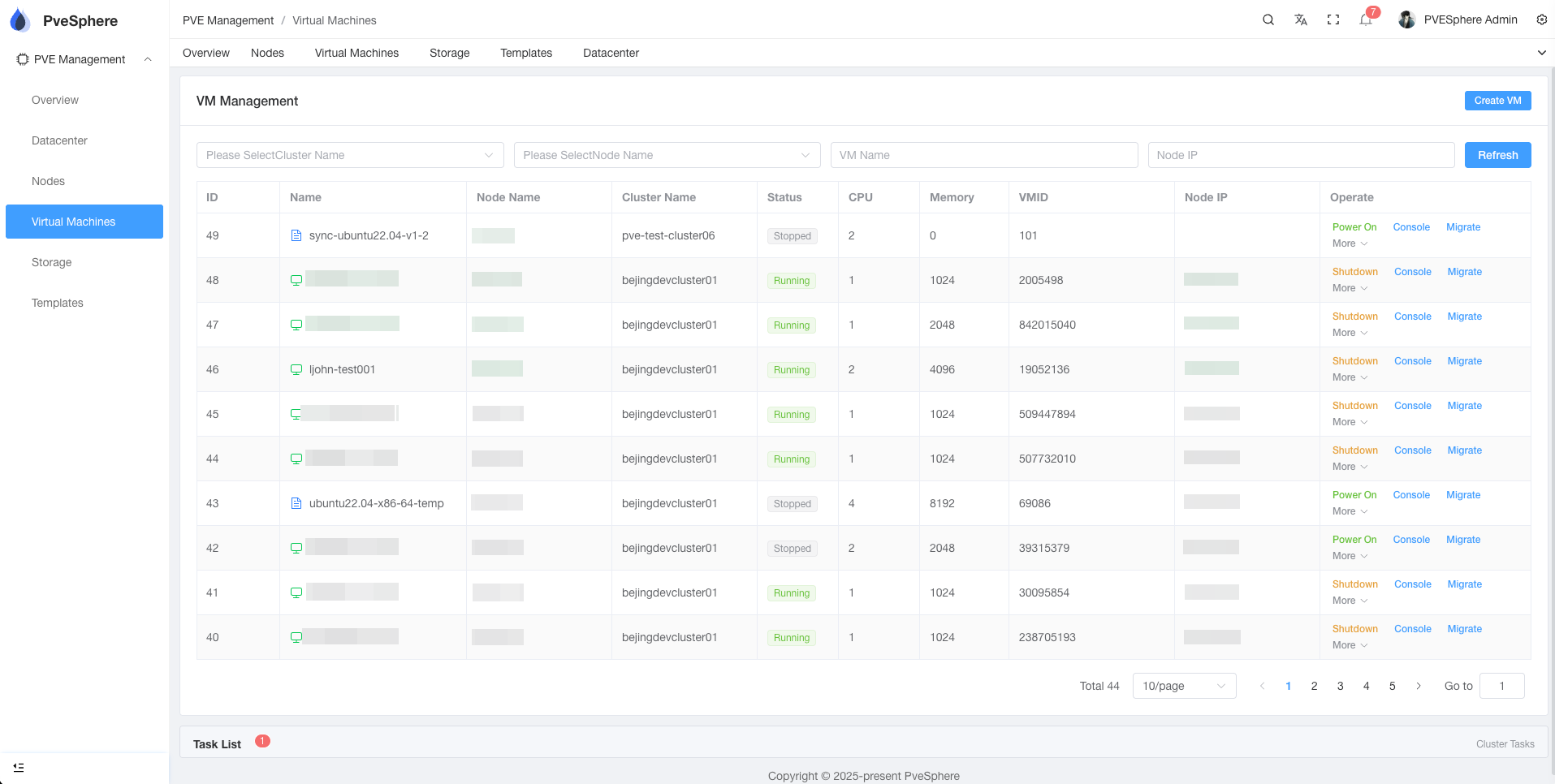
The VM list displays all virtual machines in all clusters:
- Name: Name and ID of the virtual machine
- Cluster/Node: Cluster and node where the VM is located
- Status: Running status (Running/Stopped)
- Resources: CPU and memory usage
- IP Address: IP address of the virtual machine
VM Operations
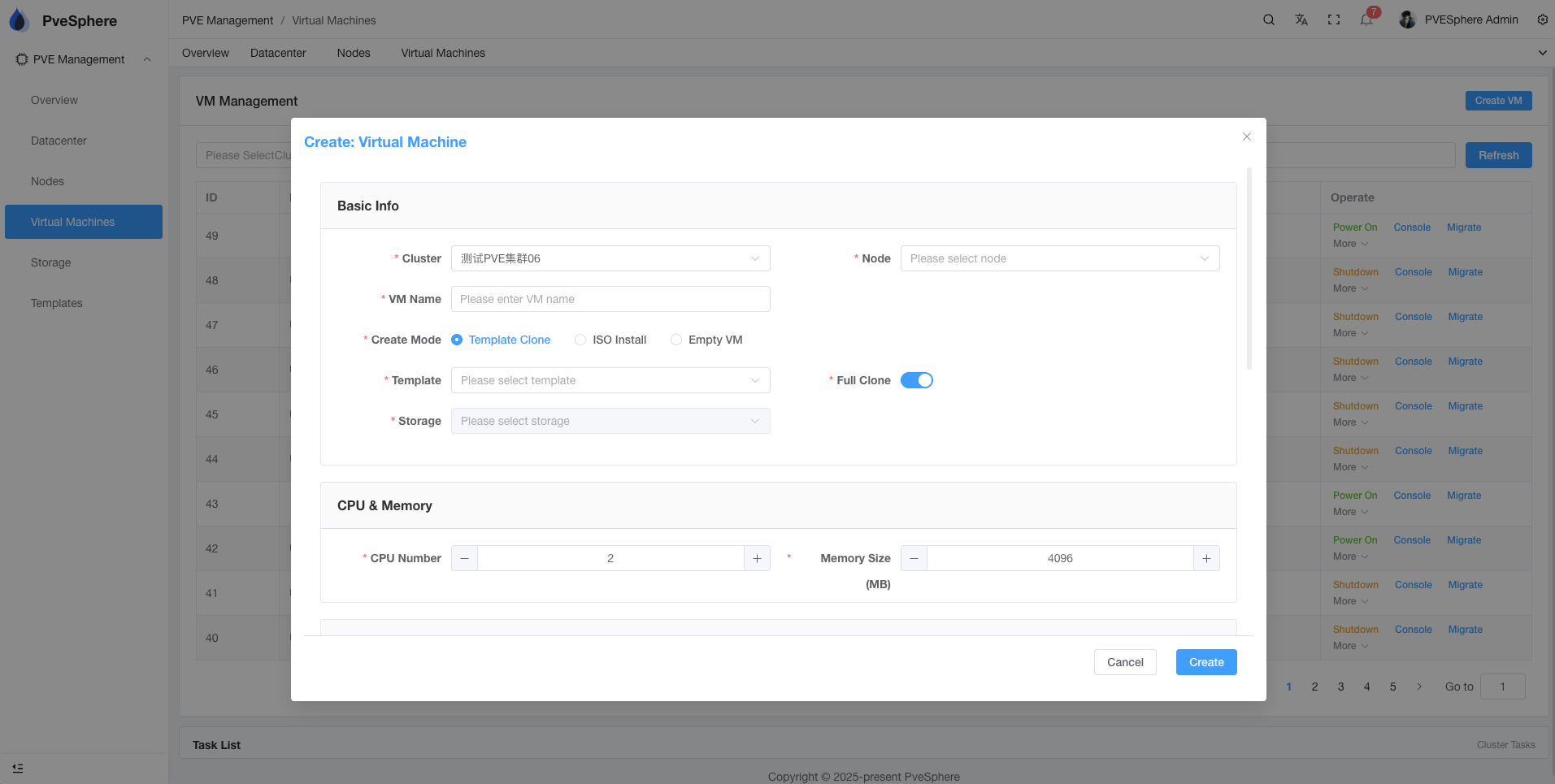
Create Virtual Machine
- Click the "+Create VM" button
- Select target cluster and node
- Configure VM parameters:
- Name and description
- Operating system type
- CPU and memory
- Disk size
- Network configuration
- Select installation method (ISO/Template)
- Configure Cloud-Init (optional)
- Click "Create" to create the virtual machine
Start/Stop Virtual Machine
- Start: Start a stopped virtual machine
- Stop: Gracefully stop a running virtual machine
- Force Stop: Force shutdown the virtual machine
- Restart: Restart the virtual machine
VM Console
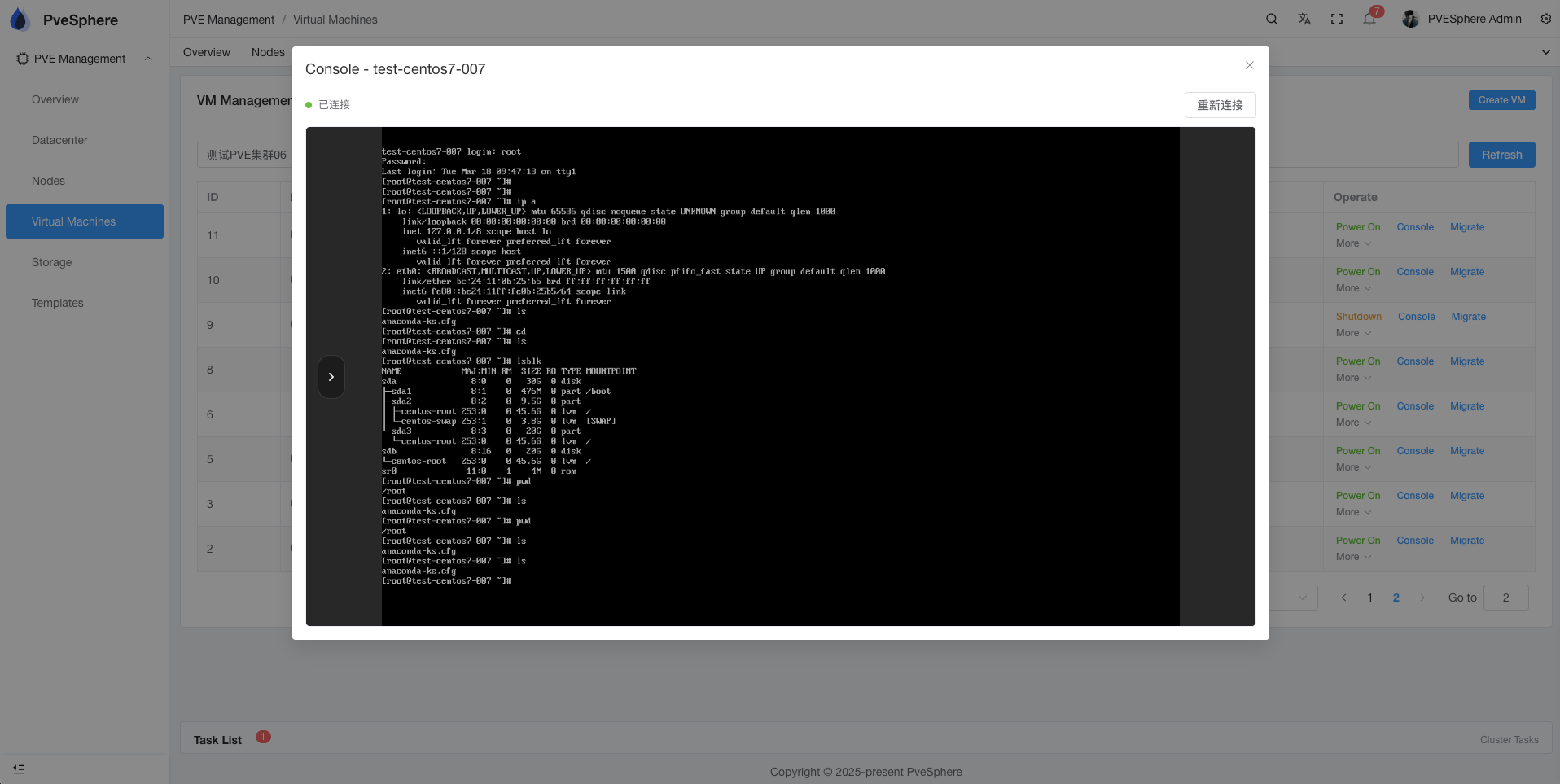
Access VM console via VNC/NoVNC:
- Click "Console" in the VM action menu
- Open VNC console in browser
- Operate the virtual machine like a local desktop
VM Migration
Supports online migration of virtual machines to other nodes:
- Select target node
- Select migration mode (online/offline)
- Confirm migration parameters
- Execute migration
Backup and Restore
- Create Backup: Backup the complete state of the virtual machine
- Restore Backup: Restore virtual machine from backup
- Backup Management: View and manage all backups
Configuration Management
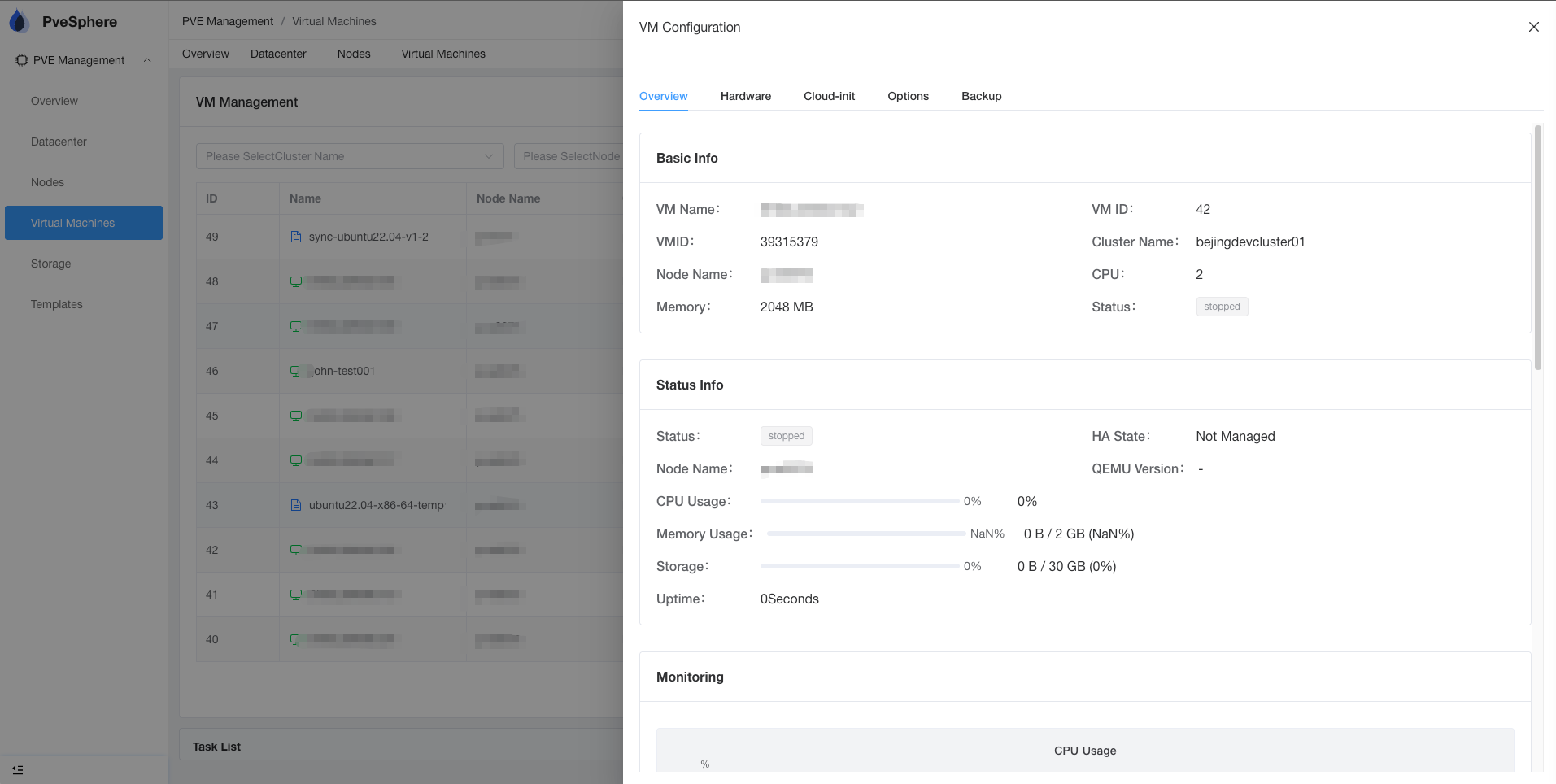
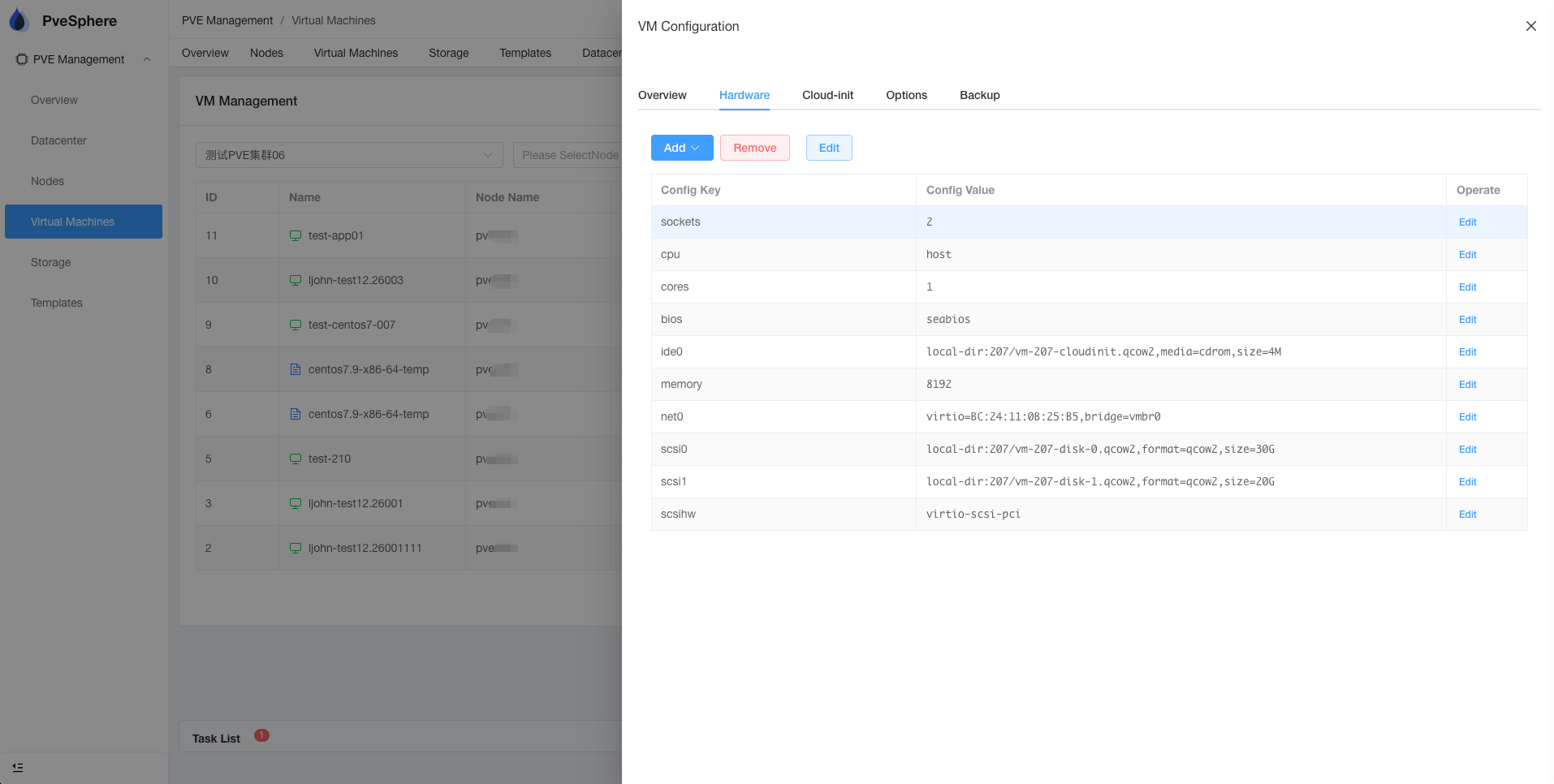
Hardware Configuration
You can modify VM hardware configuration:
- CPU cores and type
- Memory size
- Disk size and type
- Network adapters
- Other hardware devices
Cloud-Init Configuration
Supports Cloud-Init configuration:
- User accounts
- SSH keys
- Network configuration
- Custom scripts
Monitoring and Logs
Resource Monitoring
Real-time monitoring of VM resource usage:
- CPU usage
- Memory usage
- Disk I/O
- Network traffic
Task Logs
View VM operation history:
- Creation records
- Configuration changes
- Migration history
- Backup records