Node Management
Node management allows you to monitor and manage physical nodes in Proxmox VE clusters.
Node List
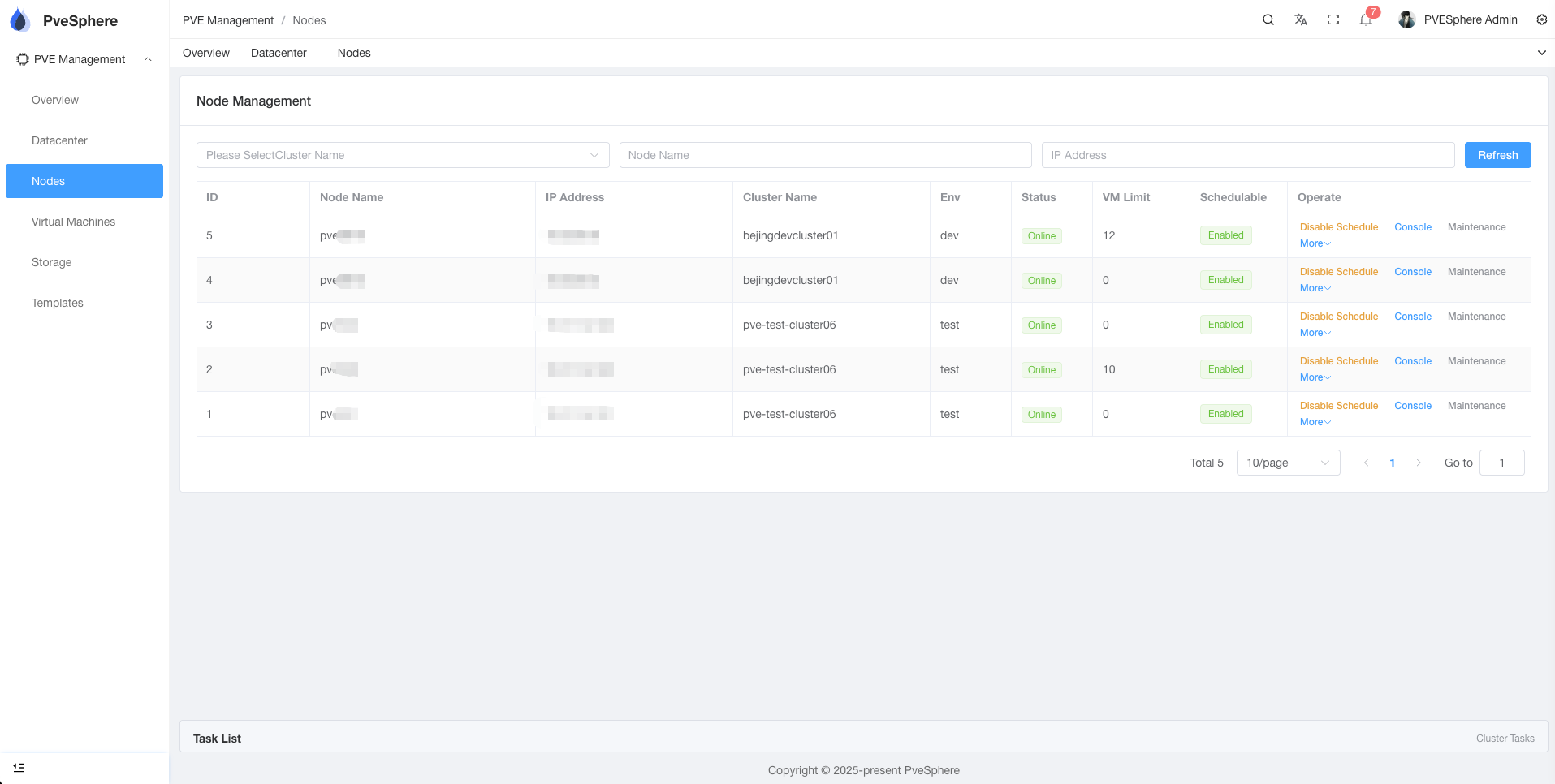
The node list displays information about all nodes in all clusters:
- Node Name: Identifier of the node
- Cluster: Cluster to which the node belongs
- Status: Node running status (Online/Offline)
- CPU: CPU usage and core count
- Memory: Memory usage
- Storage: Storage usage
Node Operations
View Node Details
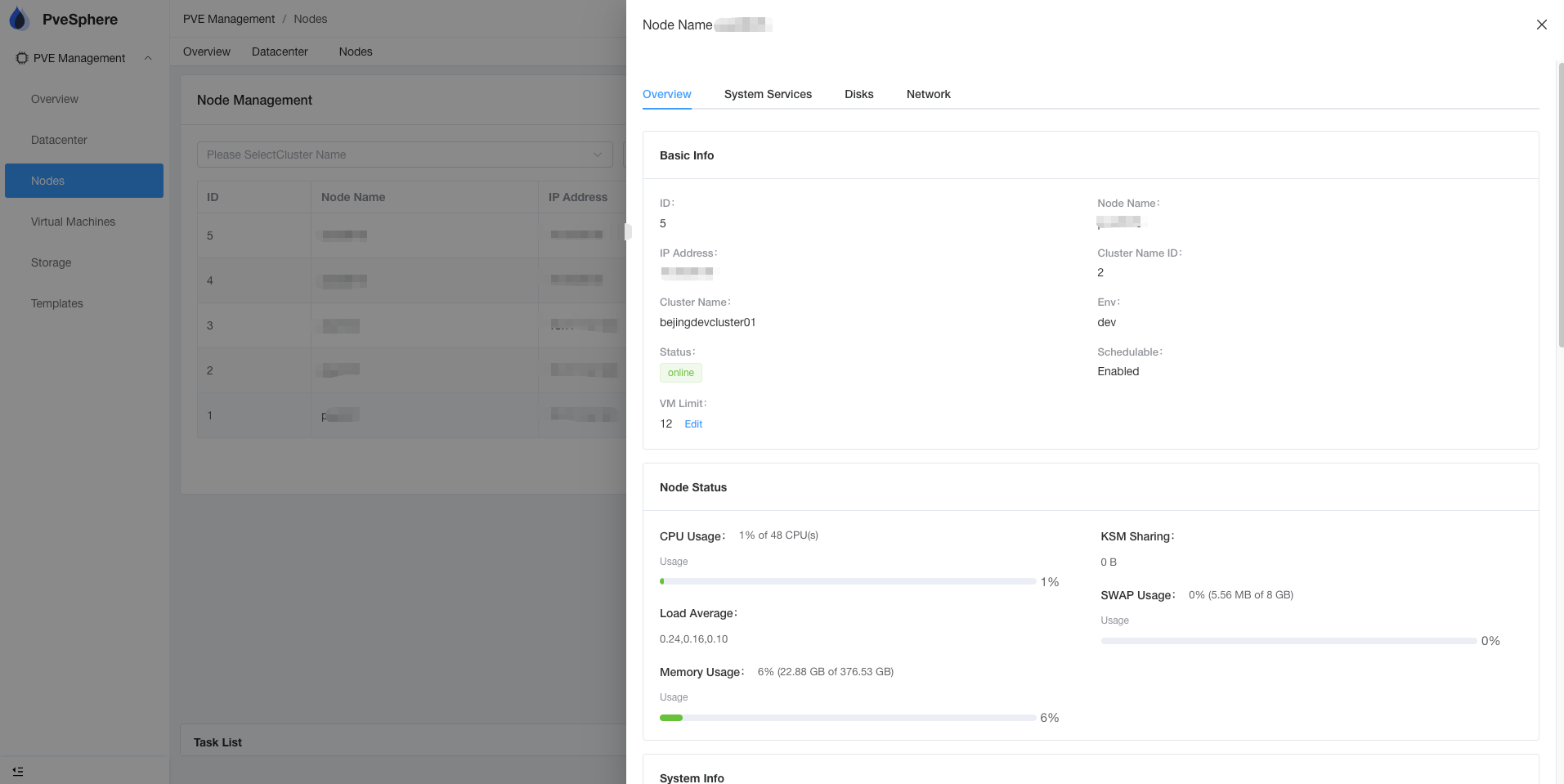
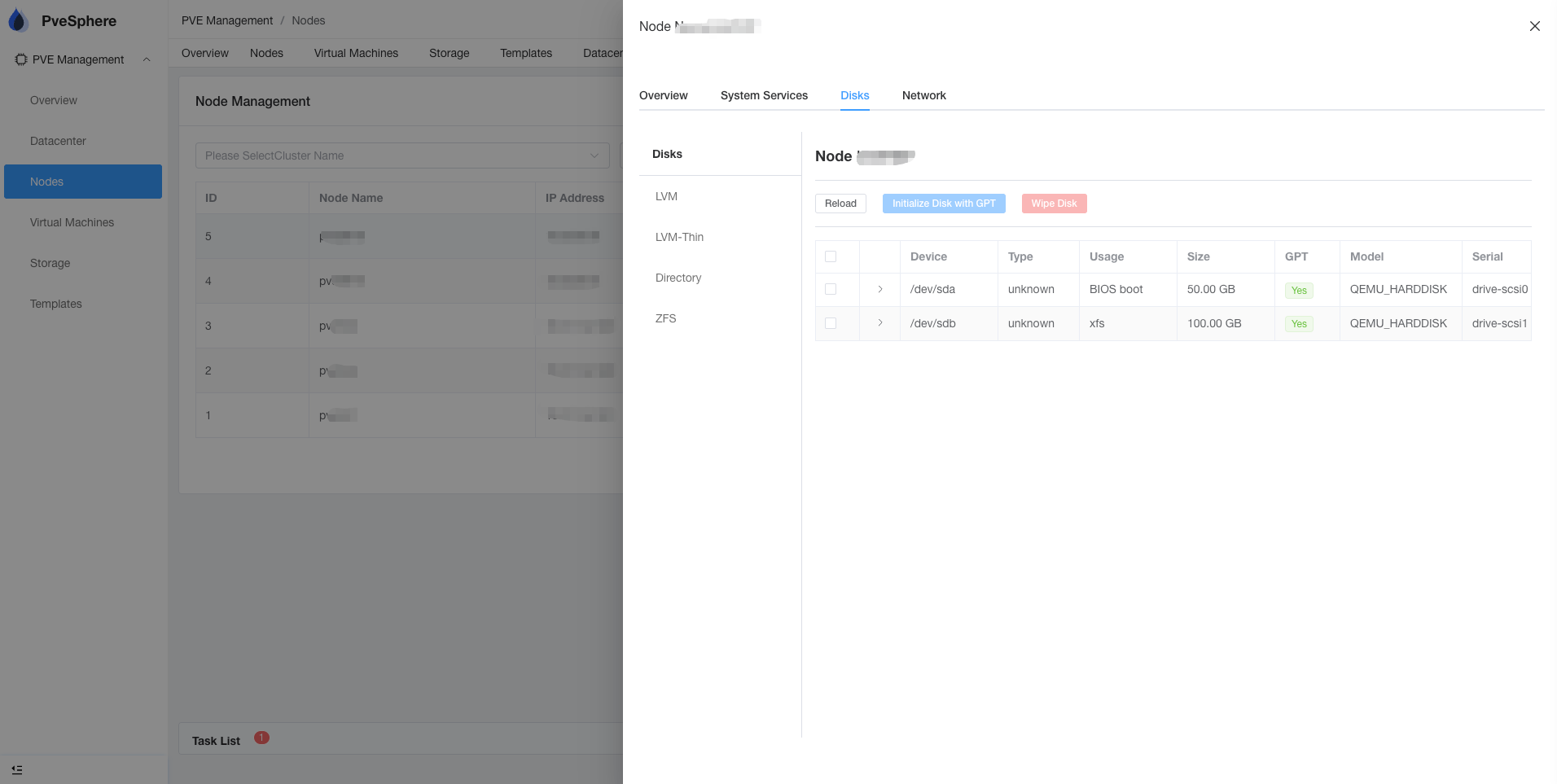
Click the node name to view detailed information:
- Hardware information
- Resource usage
- Network configuration
- Service status
Node Console
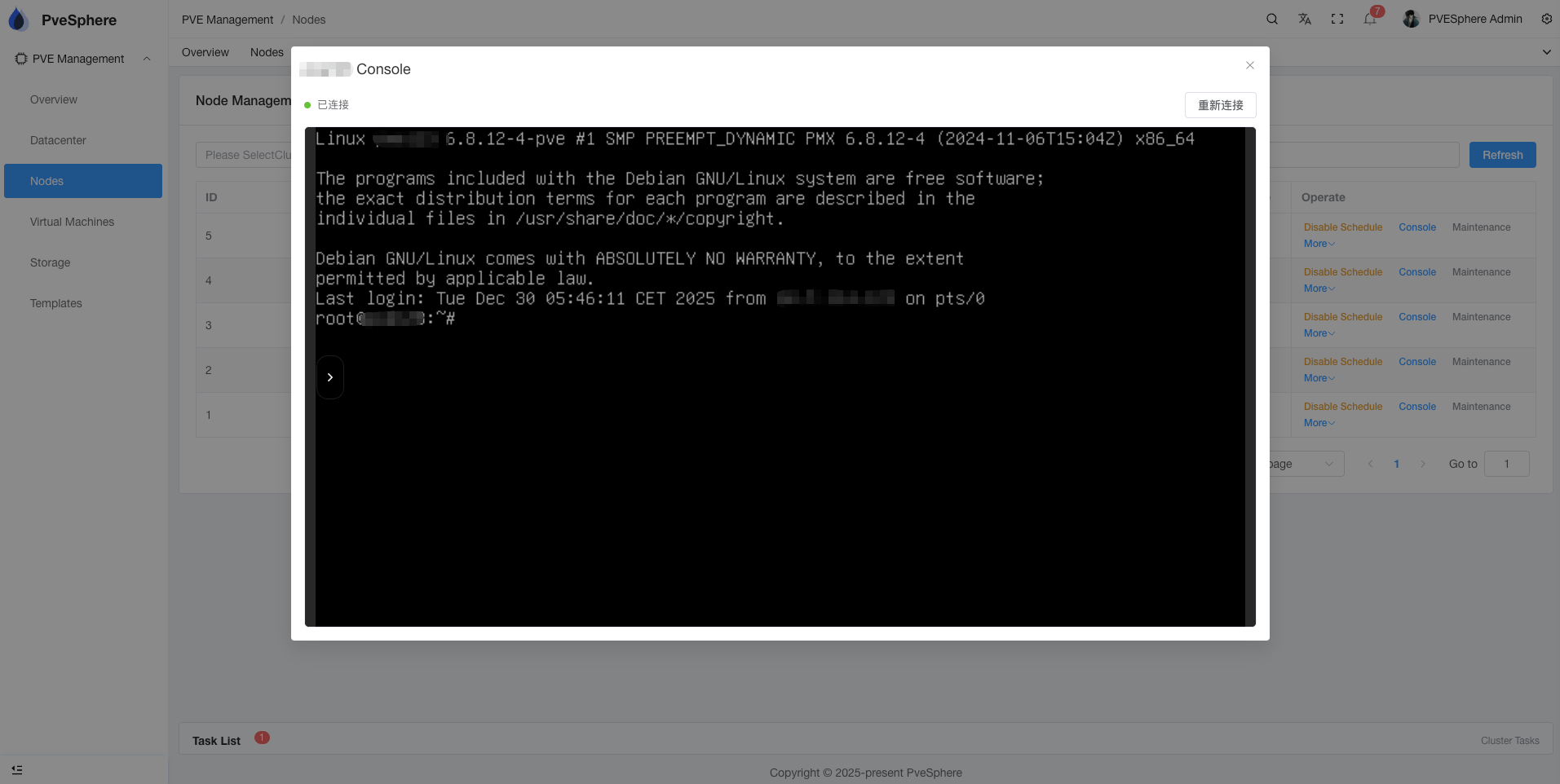
Access node console via terminal proxy:
- Click "Console" in the node action menu
- Execute commands in the terminal window
- Supports full terminal functionality
Service Management
You can manage services on nodes:
- Start Service: Start the specified service
- Stop Service: Stop the specified service
- Restart Service: Restart the specified service
Network Configuration
View and configure node network:
- Network interface information
- IP address configuration
- Routing table
- Firewall rules
Monitoring Features
Resource Monitoring
Real-time monitoring of node resources:
- CPU usage
- Memory usage
- Disk I/O
- Network traffic
Alert Notifications
When nodes have problems, the system will send alerts:
- High resource usage
- Service exceptions
- Connection failures